
How to Manage Shopify Subscriptions from ChatGPT or Claude (2026)
Short answer
You can manage Shopify subscriptions from ChatGPT or Claude if your subscription app runs an MCP connector. As of September 2026, Gro's connector can look up and change subscriptions (skip, reschedule, pause) after you confirm. Loop's official connector reads analytics but doesn't make changes. We couldn't find an official Recharge connector, so merchants use third-party servers. Klaviyo has an official one for email. Setup takes a few minutes with your normal login.
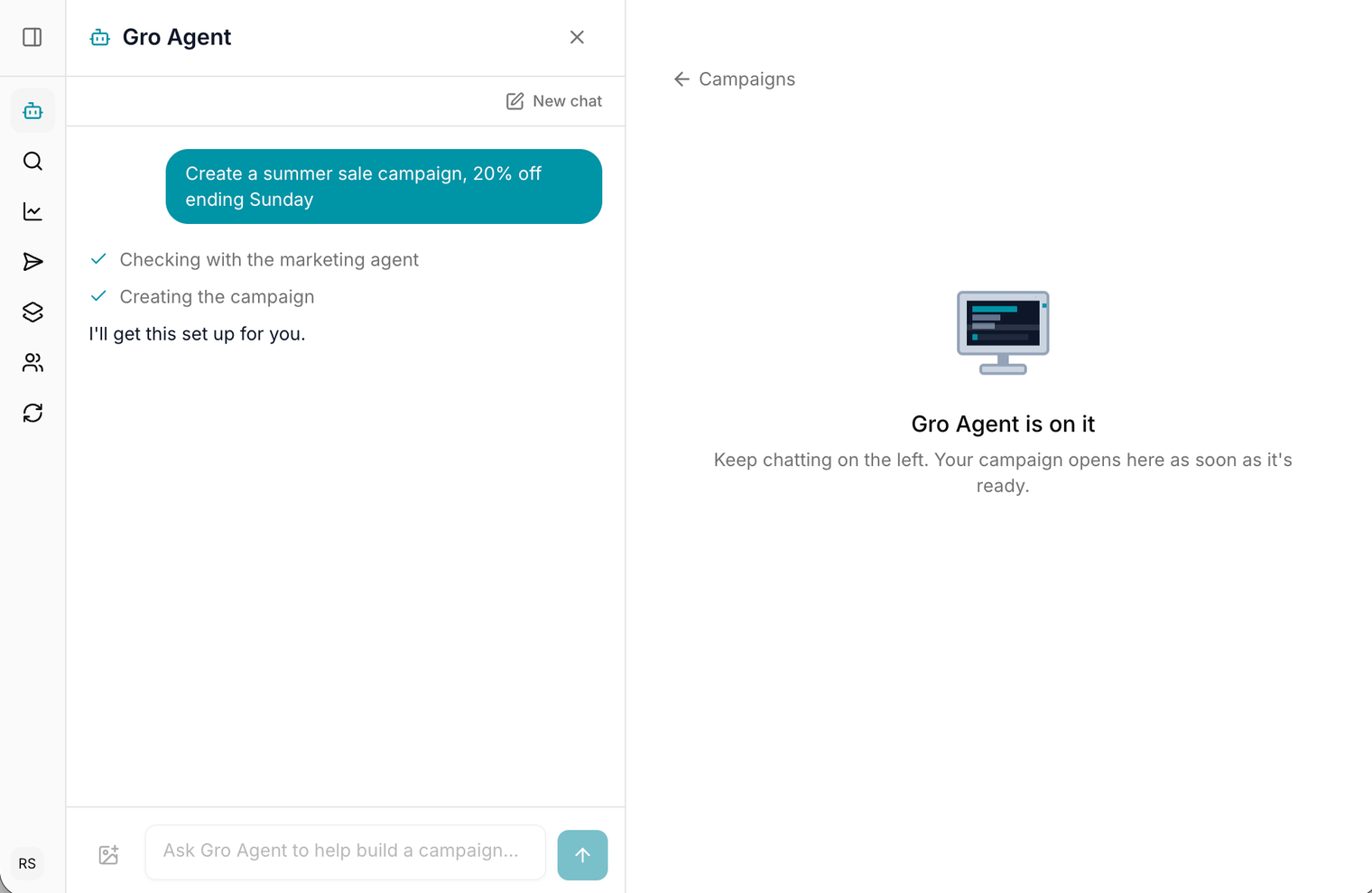
Most of the questions you open a subscription dashboard to answer are simple. When is this customer's next box? Why did cancellations go up? Can you move Jane to Friday? AI assistants like ChatGPT and Claude can now answer them, and some can act on them, as long as your subscription app lets them in. That door is called an MCP connector.
If you run a delivery-first subscription, and especially if you ship fresh or frozen products, most of those questions are about a specific delivery. So whether the assistant can change anything matters as much as what it can read, and the platforms differ here as much as they do on price.
What is an MCP connector?
MCP (Model Context Protocol) is an open standard that lets an AI assistant use another app's tools. The app runs an MCP server. You add it to Claude, ChatGPT, Cursor or GitHub Copilot and sign in, and from then on the assistant can call that app's tools: look things up and, if the app allows it, make changes. The assistant only sees the results of the lookups it makes.
Which Shopify subscription apps connect to ChatGPT and Claude?
This is what each platform publishes as of September 2026.
| App | Official AI connector | Can it make changes? | How you connect |
|---|---|---|---|
| Gro (subscriptions and email) | Yes | Yes: skip, reschedule, pause, cancel and discounts, after you confirm | Claude connector directory, or add https://api.usegro.co/mcp in ChatGPT, Cursor or Copilot and sign in with your Gro login |
| Loop | Yes | No: read-focused analytics on subscribers, revenue, cohorts, payments and cancellations | Custom connector in Claude, ChatGPT or other MCP clients |
| Recharge | No official connector found | Depends on the third-party server | Third-party managed servers, or open-source servers that run on a Recharge API key |
| Klaviyo (email) | Yes | Yes: drafts and creates campaigns and templates | Listed connector in Claude, Klaviyo app in ChatGPT |
The split that matters is read versus write. A read-only connector is a faster way into your analytics. A connector that can act handles the jobs your support team does all day: moving a delivery, skipping a box, sending a customer their portal link. For each app's pricing and features side by side, see our comparison of the best Shopify subscription apps.
What can you ask a subscription app from ChatGPT or Claude?
These are real requests Gro's connector handles. Anything that changes a subscription or moves money waits for you to confirm.
| What you ask | What happens | Changes anything? |
|---|---|---|
| "How are subscriptions doing this month? Active, new and churned." | Pulls headline subscription numbers for the period | No |
| "Find Jane's subscription. When is her next delivery?" | Looks up the customer and their next delivery date | No |
| "Why are people cancelling? Top reasons for the last 90 days." | Groups cancellation and skip reasons | No |
| "Move Jane's next delivery to next Thursday." | Checks the dates available, then reschedules | Yes, after you confirm |
| "Skip Sam's next box, he's away for two weeks." | Skips the delivery | Yes, after you confirm |
| "Pause Priya's subscription." | Pauses the subscription | Yes, after you confirm |
| "Forecast next month's subscription revenue." | Projects revenue from active subscriptions | No |
| "Show retention by signup month." | Builds a cohort retention view | No |
| "Send me a portal login link for order 1042's customer." | Generates a login link to the customer portal | No |
| "Draft a win-back email in our brand style using our three best sellers." | Drafts an email with your products | Creates a draft |
For a fresh food brand, the delivery requests save the most time. A customer emailing "I'm away next week" becomes a one-line request instead of a hunt through the dashboard. It's the same problem the portal solves for customers in our fresh dog food subscription guide.
Is it safe to let AI change subscriptions?
It depends on how the connector is built. Four things to check:
- It signs in with your own login, not an API key pasted into a config file. Gro uses OAuth, so there are no keys to copy around.
- It acts as you, in one store. Gro's assistant can reach exactly what you can reach in the dashboard and can't see any other store.
- It asks before changing anything. Gro marks every tool that changes data, so the assistant confirms before cancelling, pausing or applying a discount.
- It leaves a trail. Every action is recorded in Gro's activity log under your name, the same as if you had done it yourself.
Stick to questions for the first week, then let it make changes once you trust the answers. Removing the connector in your assistant's settings cuts access straight away.
How do you connect Gro to Claude or ChatGPT?
- In Claude, open Settings, then Connectors, find Gro in the directory and click Connect. If it isn't listed, choose Add custom connector and enter https://api.usegro.co/mcp.
- Sign in with your normal Gro login and pick your store if you have more than one.
- Approve the access Claude asks for. That's it.
In ChatGPT, go to Settings, then Connectors, then Create, enter the same server URL and choose OAuth. ChatGPT connectors need a paid plan and may need developer mode switched on by your workspace admin. Cursor and GitHub Copilot connect with the same URL, and in Claude Code it's one command: claude mcp add --transport http gro https://api.usegro.co/mcp. Full steps are in the Gro docs.
What about email?
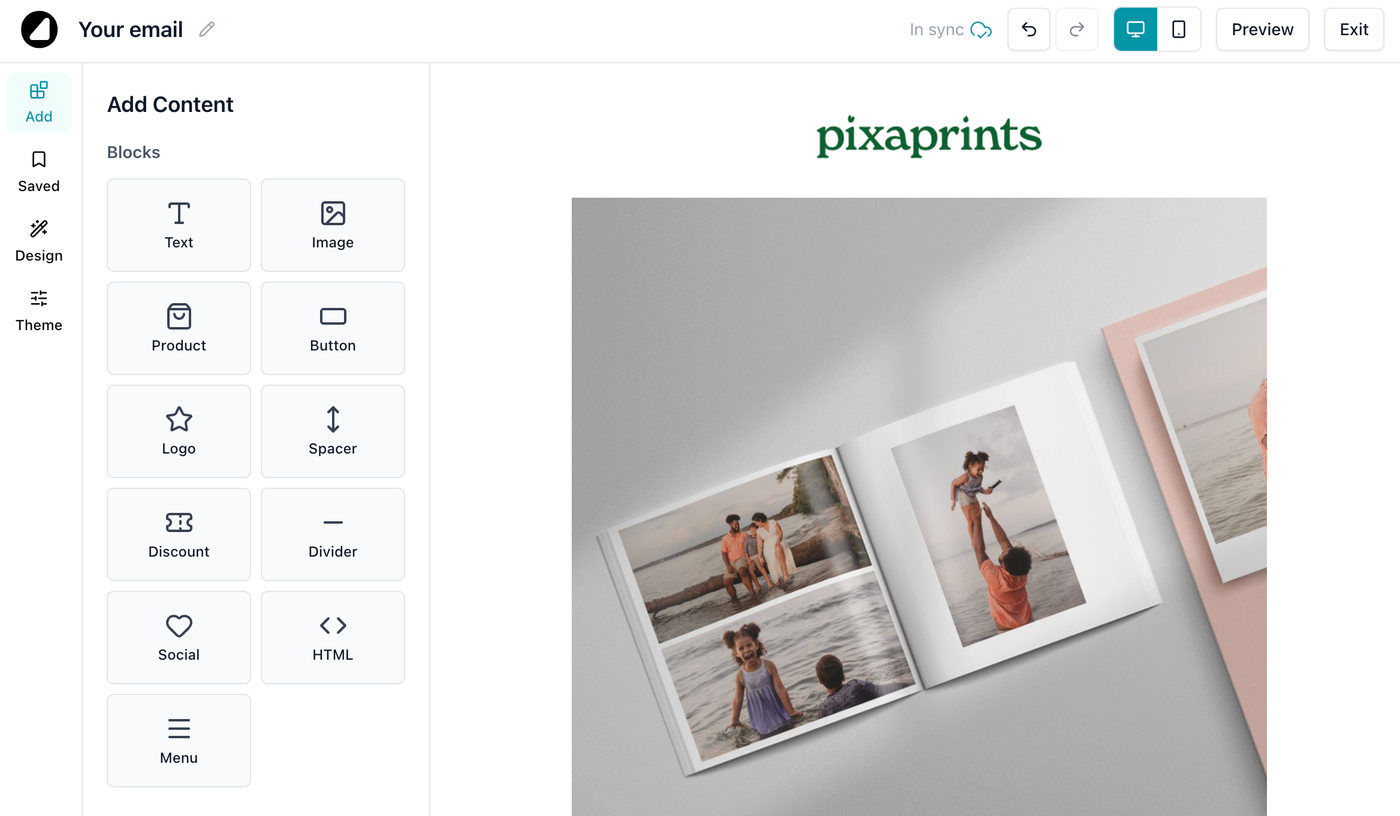
Klaviyo has an official connector for Claude and ChatGPT, and it's good at campaign drafting, templates and reporting. Gro's connector covers Gro Email too, so one chat can check why subscribers cancelled and draft the win-back email that answers it. Pixaprints, a UK photo printing brand, builds its email campaigns in Gro this way.
Where Gro fits
Full disclosure: Gro is ours. It's a Shopify subscription platform built around the delivery rather than the charge, with email and SMS alongside, and we built the connector so the questions merchants ask most can be answered from the assistant they already use. It was built alongside 5 Hounds, a fresh dog food brand in Australia.
“Since implementing Gro, we’ve seen meaningful improvements across the business. It’s played a significant role in helping us scale more efficiently, and the customer portal has significantly cut our support tickets along the way.” Will, founder of 5 Hounds
Subscriptions cost 0.9% of subscription revenue with a $250 a month minimum and no per-order fee, free under 10 active subscriptions. Email is free up to 1,000 sends a month, then $39 a month for up to 150,000 sends. See how Gro Subscriptions works.
Related reading
Frequently asked questions
Yes, if your subscription app has an MCP connector that allows changes. Gro's connector can skip, reschedule and pause subscriptions from ChatGPT or Claude, asking you to confirm first. Loop's official connector is read-focused analytics. We couldn't find an official Recharge connector, so Recharge merchants use third-party servers.
Not an official one that we could find as of September 2026. Third-party platforms offer managed MCP servers for Recharge, and there are open-source servers that run on a Recharge API key.
It can be, if the connector signs in with your own login, limits the assistant to your permissions, asks before changing anything and logs every action. Gro's connector does all four. Start with questions, then allow changes once you trust the answers.
An MCP (Model Context Protocol) connector lets an AI assistant like Claude or ChatGPT use another app's tools. You add the app's server URL to your assistant, sign in, and the assistant can look things up and, where the app allows it, make changes for you.
Gro Subscriptions costs 0.9% of subscription revenue with a $250 a month minimum and no per-order fee, and is free under 10 active subscriptions. Gro Email is free up to 1,000 sends a month, then $39 a month for up to 150,000 sends. Gro doesn't gate features by plan.
Building a delivery-first brand on Shopify?
We'd like to talk. The migration's on us.
 ChatGPT
  Claude
  Perplexity
  Grok
Grok