
Run Gro from a chat.
Connect Gro to the assistant you already use. Ask about any subscriber, check a campaign, move a delivery, draft an email. Your login, your permissions, every action logged.
Works with
-
 Claude
 -
 ChatGPT
 -
 Copilot
 - Cursor
- VS Code
- Gemini
How it works
Two minutes, no developer.
- 1
Add Gro to your assistant
One click from the Claude connectors directory, or paste one URL into Cursor, Copilot or ChatGPT.
- 2
Sign in with your Gro login
The same email and password you use for the dashboard. Pick the store if you have more than one. No API keys.
- 3
Ask
Subscriptions, customers, campaigns, numbers. It answers from your live data and confirms before it changes anything.
What you can ask
Say it how you would say it to a colleague.
Every one of these runs against a real Gro tool. Nothing is scripted, so you can ask it your own way.
Subscriptions
- Find jane@example.com's subscription and tell me when her next box arrives.
- Skip Sam's next order, he is away for two weeks.
- Change Priya to every 4 weeks instead of every 2.
- Send me a portal login link for order 1042.
Customers
- Which segment has the most people in it?
- What happened to this customer in the last month?
- Add a profile for tom@example.com, first name Tom.
- Why did this customer’s last email bounce?
Campaigns
- How did the Spring Sale do? Opens, clicks, revenue.
- Draft a win back email using our three best sellers.
- Schedule the Autumn Restock draft for Thursday at 9am.
- Show me the templates we sent in the last 30 days.
Numbers
- How are subscriptions doing this month?
- Why are people cancelling? Top reasons for the last 90 days.
- How much revenue is due in the next 30 days?
- Are newer signups sticking around as well as older ones?
Safe by design
It can do a lot. It cannot do it quietly.
Built on MCP, the open standard for connecting assistants to tools, with the same permissions your team already has in Gro.
-
Your login, not a key
You sign in with your Gro account. Nothing to copy, nothing to leak, and it is revoked the moment you disconnect.
-
Read or write, per person
Permissions come from your Gro role. Give a teammate an assistant that can answer anything but change nothing.
-
Confirmed and logged
Anything that moves money or changes a subscription asks first. Every action lands in the activity feed under your name.
Inside Gro
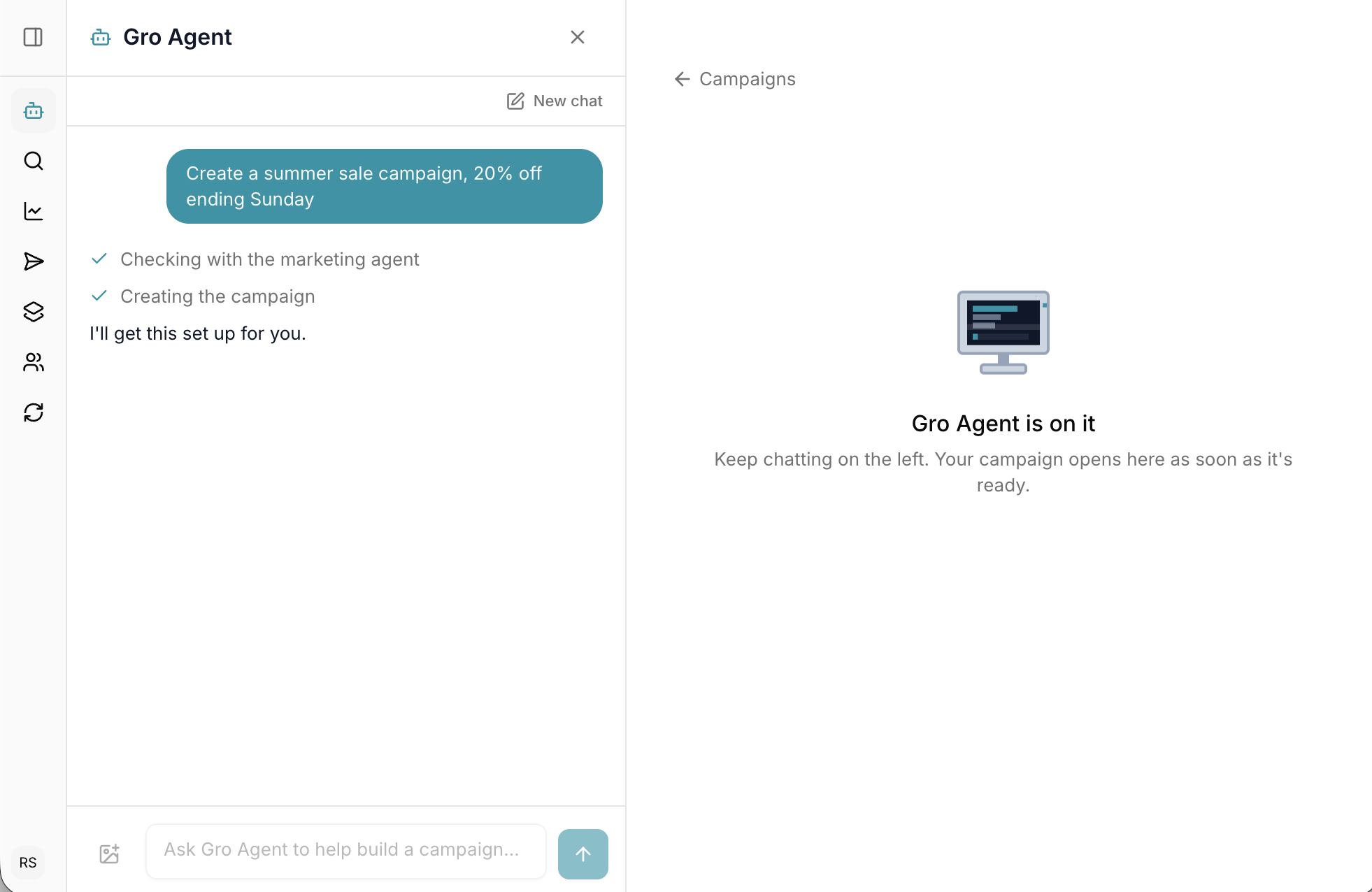
Gro Agent is in the dashboard too.
Same brain, different door. Say what you are promoting and Gro Agent picks the audience, writes the subject and builds the template. You press send.
Campaigns from one line
"20% off the winter box this weekend" comes back as a finished, branded email.
Flows on request
Ask for a three email welcome series and get one wired up and ready to switch on.
Insights, not dashboards
What moved this week and what to try next, in a sentence.
FAQs