
Multi step forms and discount codes
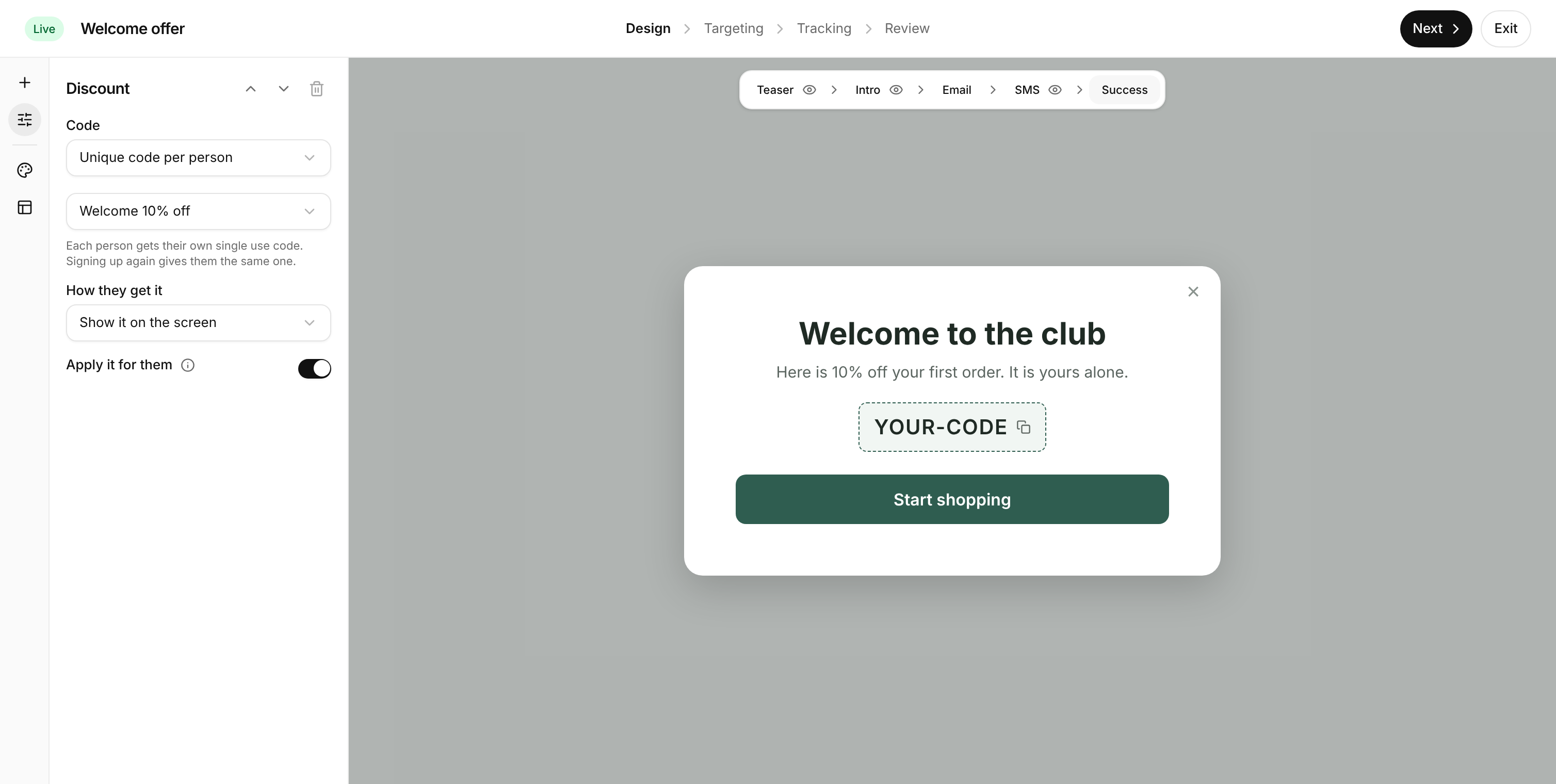
Signup forms just got a lot more capable. Ask for less up front, grow your SMS list alongside your email list, and reward every new subscriber with a code that’s theirs alone.
Email first, then SMS
- Steps in a simple order. Intro, Email, SMS and Success. Switch the optional ones on or off with a tap.
- Open with a hook. An Intro step with a single button, like “Claim my gift”, gets the click before you ask for anything.
- Nobody slips through. The email is saved as soon as it’s entered, so you keep the subscriber even if they skip the SMS step.
- No asking twice. Shoppers who already get your texts skip the SMS step automatically.
A discount code for every signup
- One code or unique codes. Use the same code for everyone, or give each person their own single use code from a coupon.
- Show it or email it. Show the code on the success screen, or email it so only real inboxes get one. One click builds the flow that sends it.
- Use it in any flow. The code travels with the signup, so your welcome series can remind people to use it.
- Straight into the cart. Turn on “Apply it for them” and the code is already applied when they start shopping.
Bring them back with a teaser
- A small button in the corner that reopens the form for anyone who closed it.
- Gone once they sign up, and hidden from people who are already subscribed.
A designer that gets out of the way
- Full screen, like the email editor, with every step one click away.
- Edit the success screen right in the preview, or send people to a page, or simply close the form.
 ChatGPT
 Claude
 Perplexity
 Grok