
Grow your list with forms
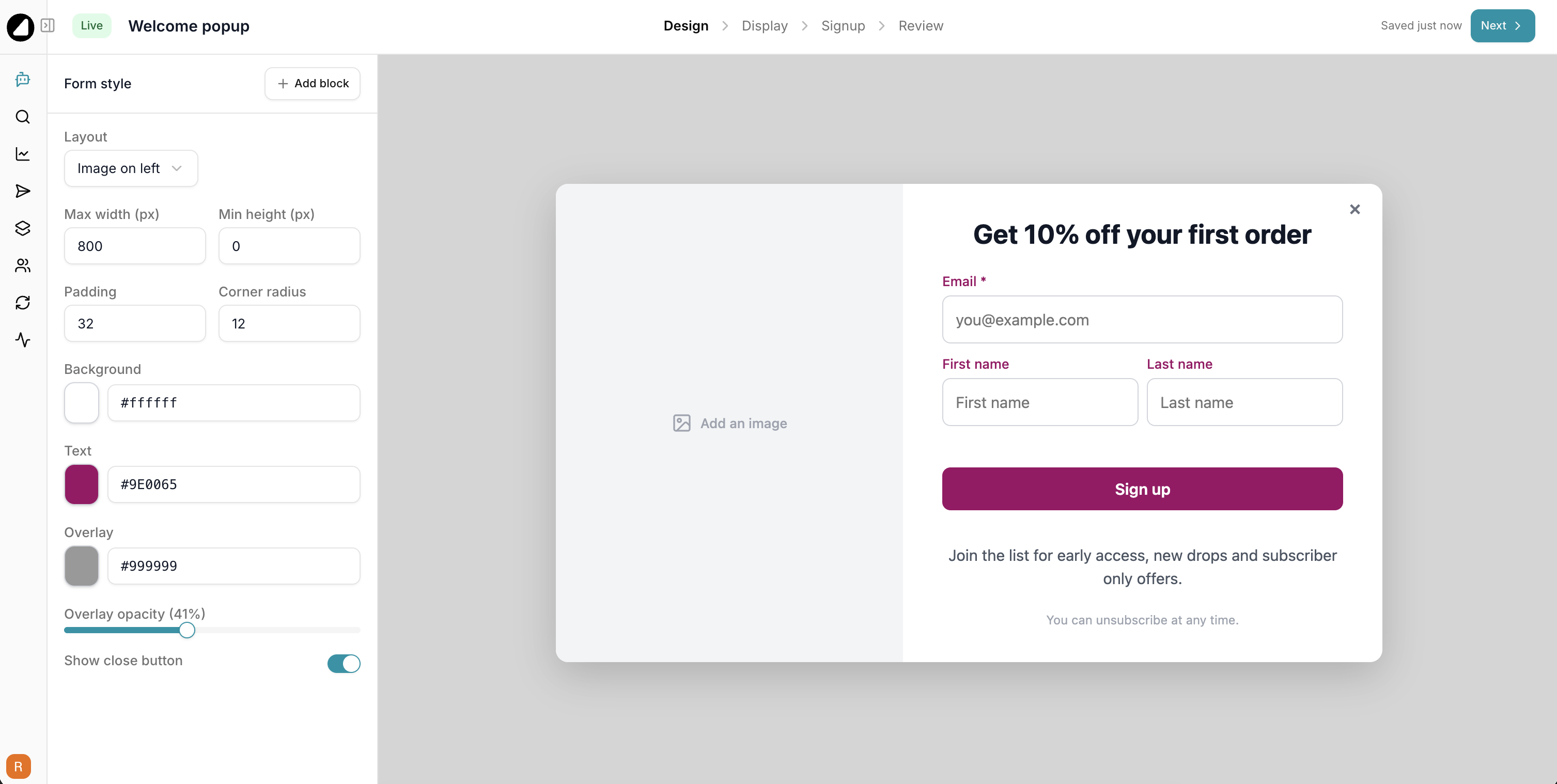
Meet Forms, a simple way to turn visitors into subscribers. Design a signup form, publish it to your storefront, and every signup flows straight into Gro.
Build and manage them with AI
- Just ask AI Gro. Say “create a welcome popup with 10 percent off” and it builds the whole form for you, ready to review.
- Edit by chatting. Change the headline, swap the offer or tweak the copy without touching the editor.
- Check performance in plain English. Ask how many people have seen or signed up through a form and get the numbers straight back.
Design it your way
- Popup, flyout or embedded, all from one editor. Pick a layout, drop in your blocks, and set when and where it shows.
- Edit on your own store. The live preview renders your real site behind the form, so you design in context and see exactly what shoppers will.
- Two column image layouts, your brand colours and fonts, and a copyable discount code on the thank you screen.
It plugs into everything
- Every form creates its own metric and an optional segment, so you can trigger a welcome flow or target new signups the moment they join.
- Signups land on the profile timeline and in the form’s own stats, so you can see views, submissions and conversion at a glance.
- On Shopify, a discount code can apply itself when the shopper taps the button, so the offer is waiting in their cart.
Live in minutes
Shopify stores flip on a theme embed, and everyone else pastes a single snippet. Publish once and your form is live.
 ChatGPT
  Claude
  Perplexity
  Grok
Grok