
Dark mode is here
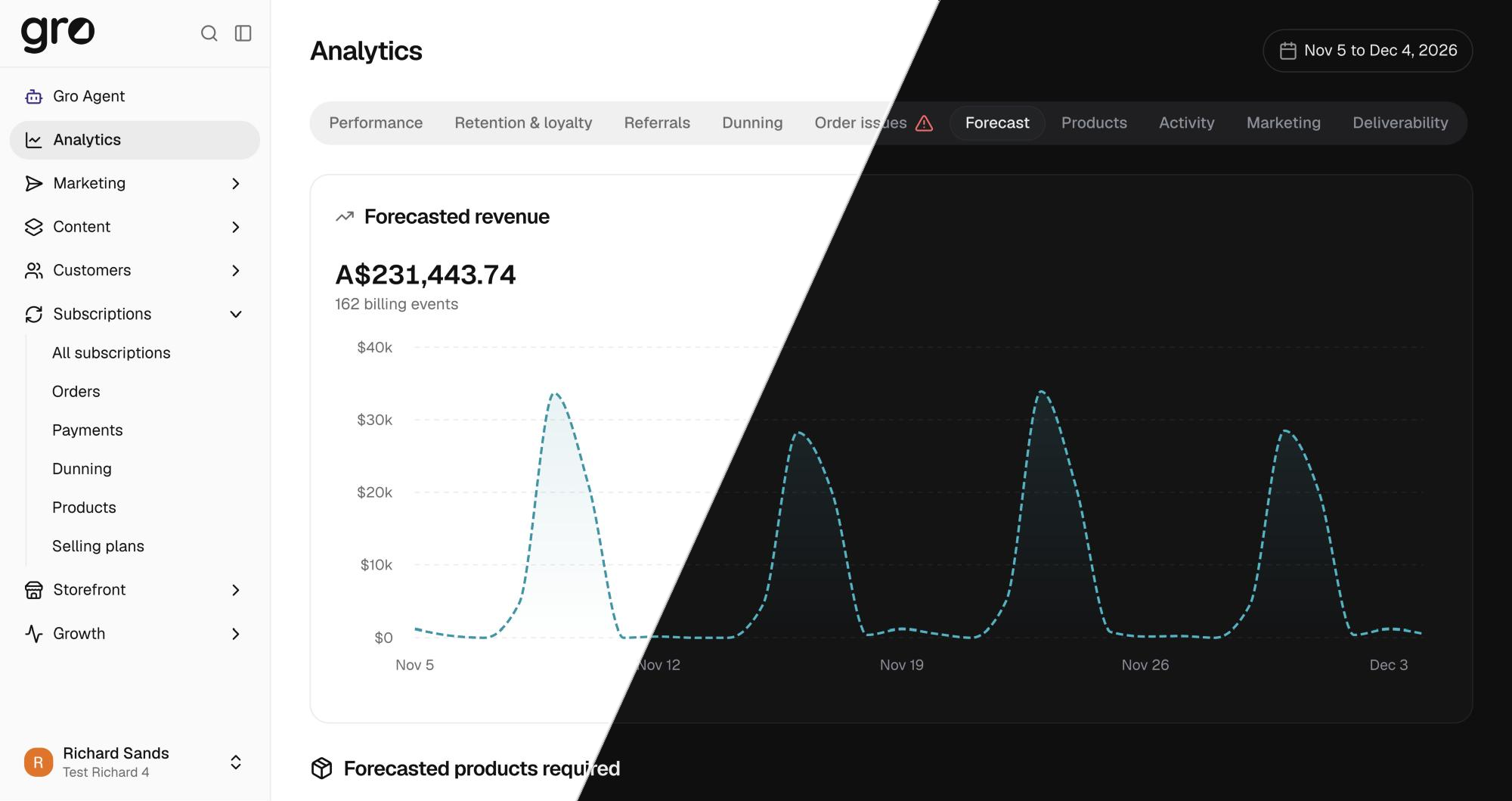
Late night order checks and early morning reports are easier on the eyes now. The whole dashboard has a dark theme, built on soft near black tones rather than harsh pure black.
Turn it on
Open the account menu at the bottom of the sidebar and pick a theme next to Theme:
- Light for the classic look
- Dark for the new theme
- System to follow your computer, light by day and dark by night if your device switches automatically
Your choice is remembered on that browser.
Made for reading data
- Charts keep their colours, tuned so growth, churn and comparisons stay easy to tell apart on a dark background.
- Status badges and notices keep their meaning: green still means good, amber still means waiting, just dimmed so they don’t glow.
- Your logo, product photos and brand colours look the way you set them.
Previews stay true to your store
Your subscription widget, storefront and email previews stay light, so you always see what your customers will see, whatever theme you work in.
 ChatGPT
 Claude
 Perplexity
 Grok