
A/B test your campaigns
Not sure which subject line will land? Want to know if the new design sells better than the old one? Send both and let your customers decide.
Set it up in the campaign wizard
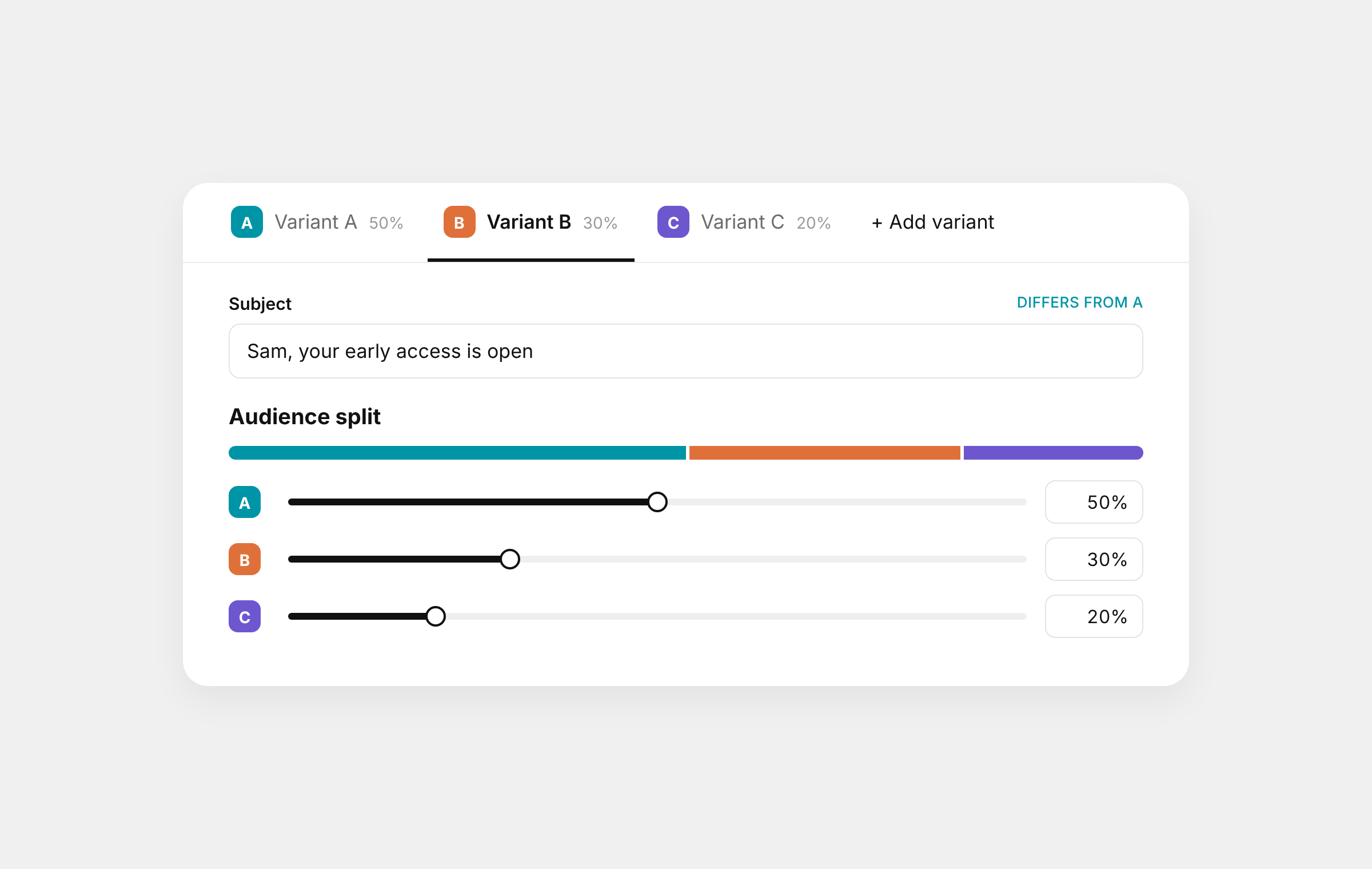
- Create A/B test sits right under your email on the Content step. Your email becomes variant A, and B starts as a copy of it.
- Change only what you’re testing. Each variant can have its own subject line, preview text or template. Everything else stays the same, and each field tells you whether it matches A.
- Up to four versions. Add C and D when you want to test more than one idea at once.
- You choose the split. Give each variant a share of your audience, 50/50, 80/20 or anything that adds up to 100%. People are picked at random when the campaign sends.
- Test each one. Send yourself a test of any variant before it goes out.
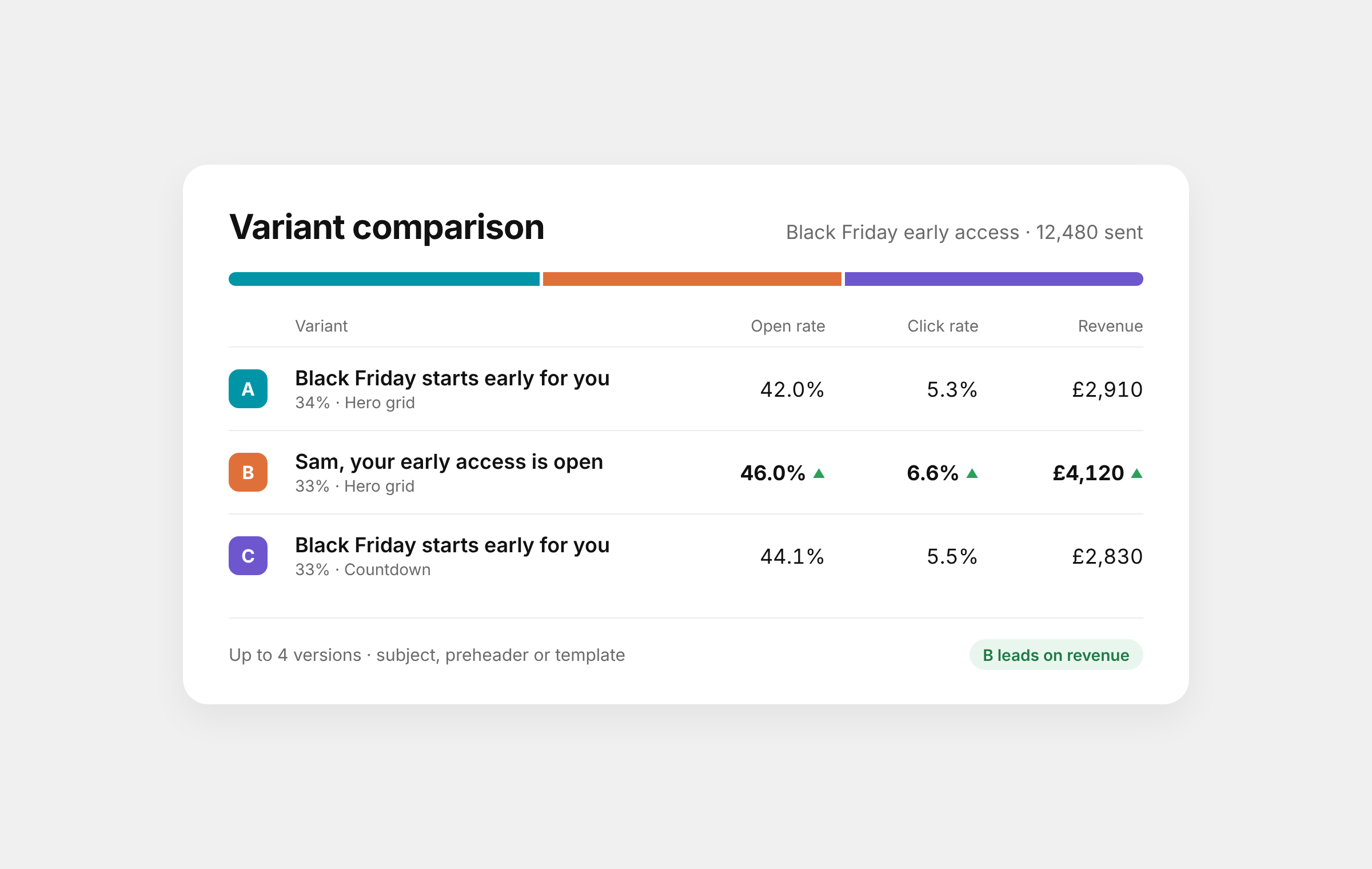
See which one won
- Variant comparison on the campaign’s Overview puts every version side by side: open rate, click rate, orders, revenue and revenue per person. The best on each measure is marked.
- Look at one variant on its own. Pick a variant at the top of the campaign and Overview, Conversions, Recipients and Links all show just that version.
- Your totals don’t change. All variants is still the default, so the numbers you’re used to stay exactly where they were.
Ask Gro Agent
Ask Gro Agent to “A/B test two subject lines” and it sets the test up for you. Once it has sent, ask “which version won?” for a plain answer.
 ChatGPT
 Claude
 Perplexity
 Grok